
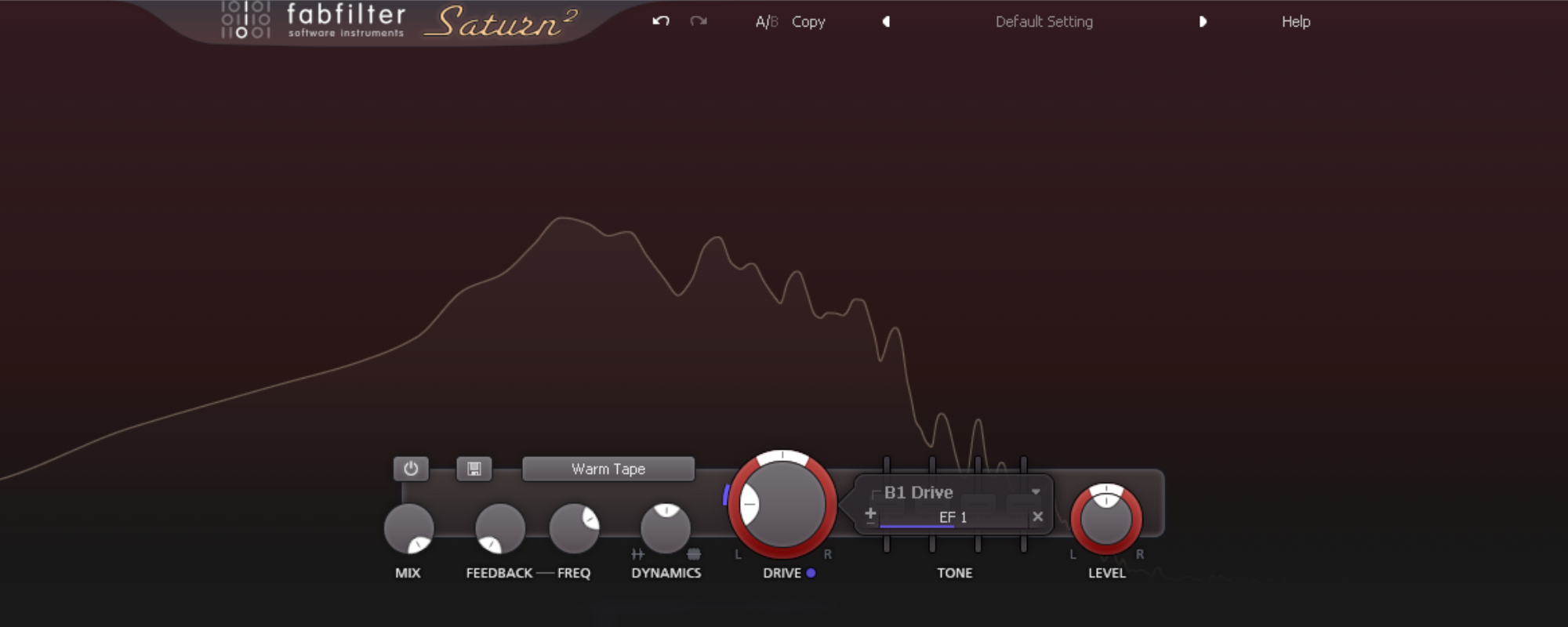
Flexible saturation with FabFilter Saturn2
Saturation is a great tool to add character and harmonics to your sound, whether it be drums, vocals or anything else. But ‘setting and forgetting’ saturation often defeats its purpose and introduces negative side effects.
A way to mitigate these negative side effects is by using multiband saturation, like is possible in the FabFilter Saturn2. This way you can target specific frequency ranges to saturate or distort. In this article I want to share an even more advanced way to work with saturation: dynamic saturation.
Just like dynamic EQ, dynamic saturation is based in the time domain and input level-dependent based on a threshold. Saturation only occurs at specific frequency ranges and if the signal is loud enough. For example, this allows you to saturate hihats in a drum loop, excellent for improving the groove in a house track or to get the hihats to cut through better.
How is it done? This technique is built around the envelope follower in the modulation section of Saturn2.
Add a modulator -> New Envelope Follower
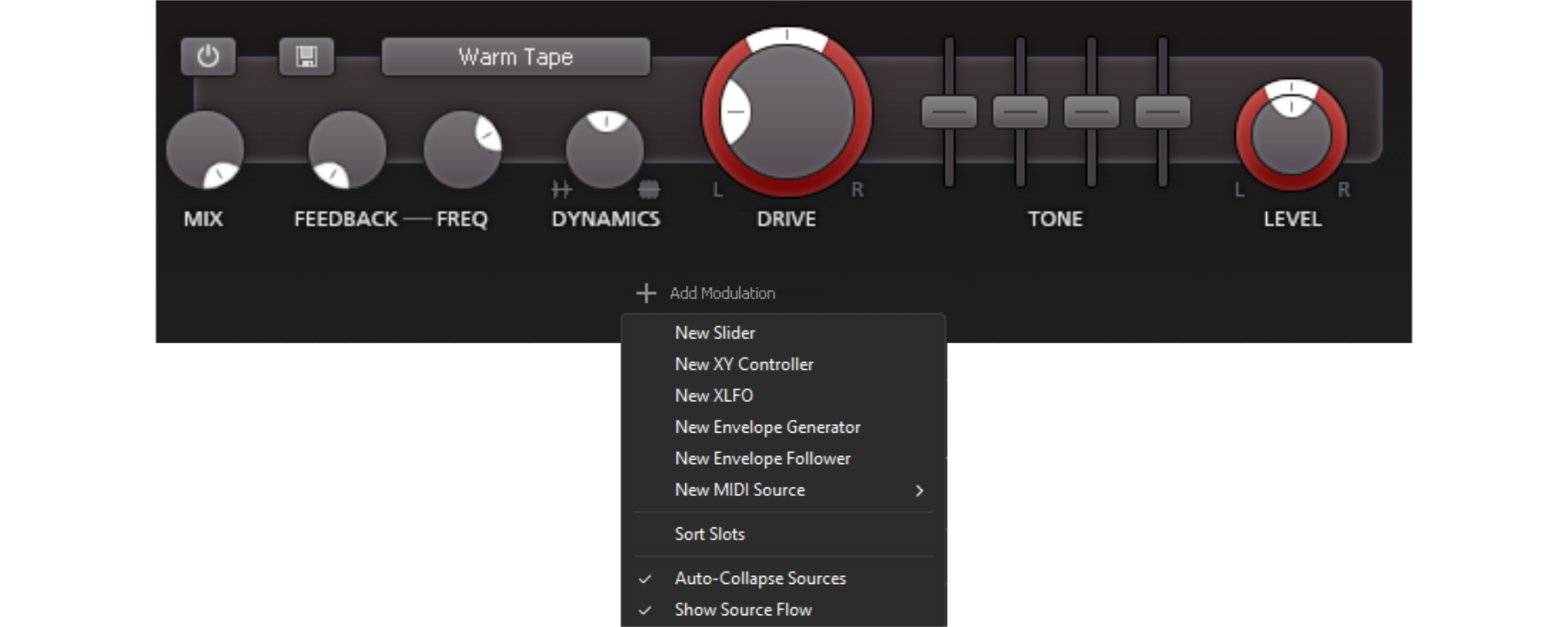
How is it done? This technique is built around the envelope follower in the modulation section of Saturn2.
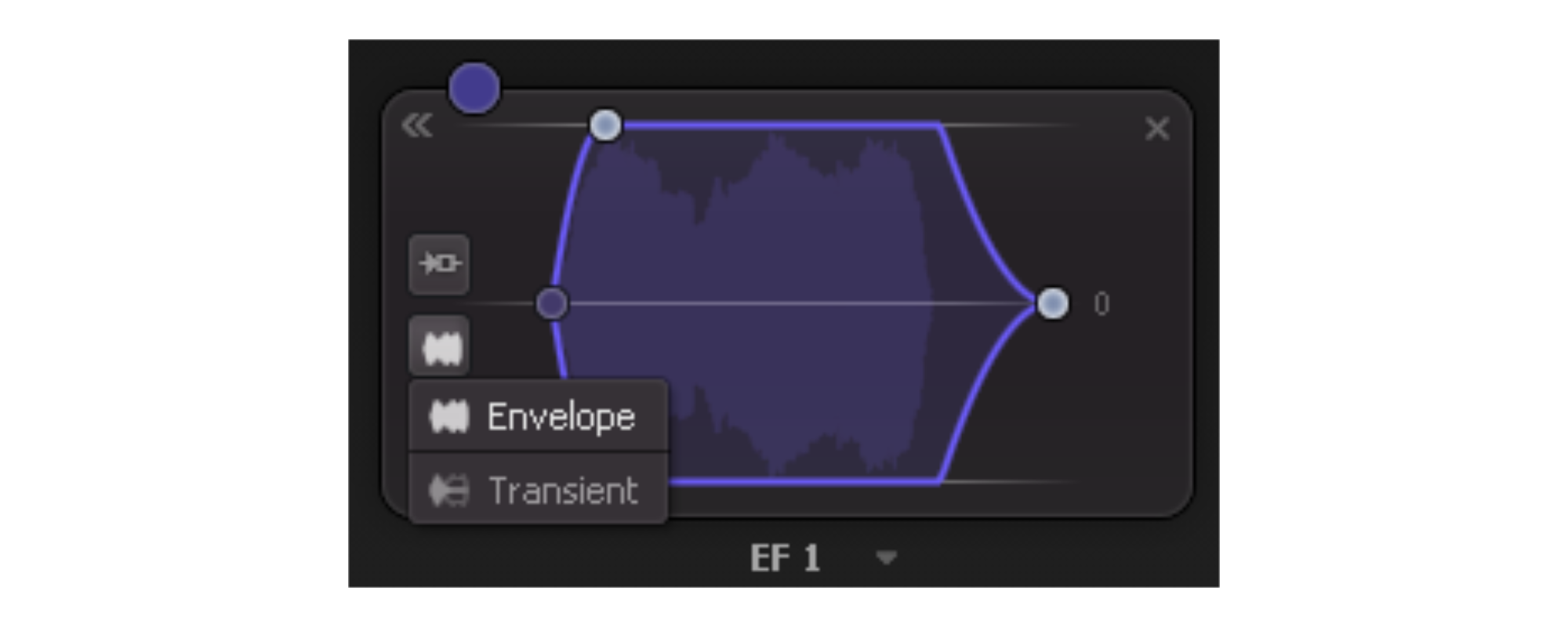
- Select Transient type
- Set Attack and Release to their minimum values (white dots)
- Link the modulator to the Drive knob (drag the purple dot)
Now the saturation drive is modulated based on the incoming transients. Just watch the line along the drive knob dance around with the song. It is then up to you to dial in the type of saturation.
Because I mostly do mixing and mastering, my goal is to enhance the characteristic that are already present. Therefore, I never saturate or distort much. My prefered style is the Gentle Saturation, with the Drive knob around 30%.
This is just a basic explanation of dynamic saturation, play around and get creative!